
Watch first: The 10 most important backtest metrics and How position sizing changes the backtest. Both help interpret the monthly tracking numbers.
Why this matters
An optimization may have looked attractive in its original backtest but later experience drawdowns, stagnation or weaker market conditions. The monthly tracking provides a follow-up view of historical performance across released configurations.
- Open the Monthly Performance Summary in the private Discord.
- Identify your strategy/optimization ID, asset and timeframe.
- Compare the latest month with the longer-term results, including the last 3, 6 and 12 months where available.
- Review profitability together with maximum drawdown, trade count, transaction costs and recent losing periods.
- Check whether the strategy, data source, position sizing or rules have changed since its release.
- Recheck the strategy on your TradingView feed and account assumptions before using it.
The tracking is historical research, not a live account audit, and past performance is no guarantee of future results.
Next: Review safe automation setup →
Not every historical optimization continues to perform well
Some releases may lose their apparent edge, experience prolonged drawdowns or underperform after publication. Do not assume all 90+ released optimizations are still suitable for live deployment. Smart Trader members can consult the Monthly Performance Summary spreadsheet in the private Discord to assess which configurations are still performing satisfactorily and which have weakened or failed the tracking criteria.
Review recent and longer periods, drawdown, trade counts, costs and changes to the original configuration. A strong historical or post-release backtest is not proof that an edge will persist.
Member spreadsheet: Monthly Performance Summary — TradeSmart Discord (Smart Trader membership and connected Discord required). Not every released optimization remains viable; review the most recent monthly tracking before deciding what to test.
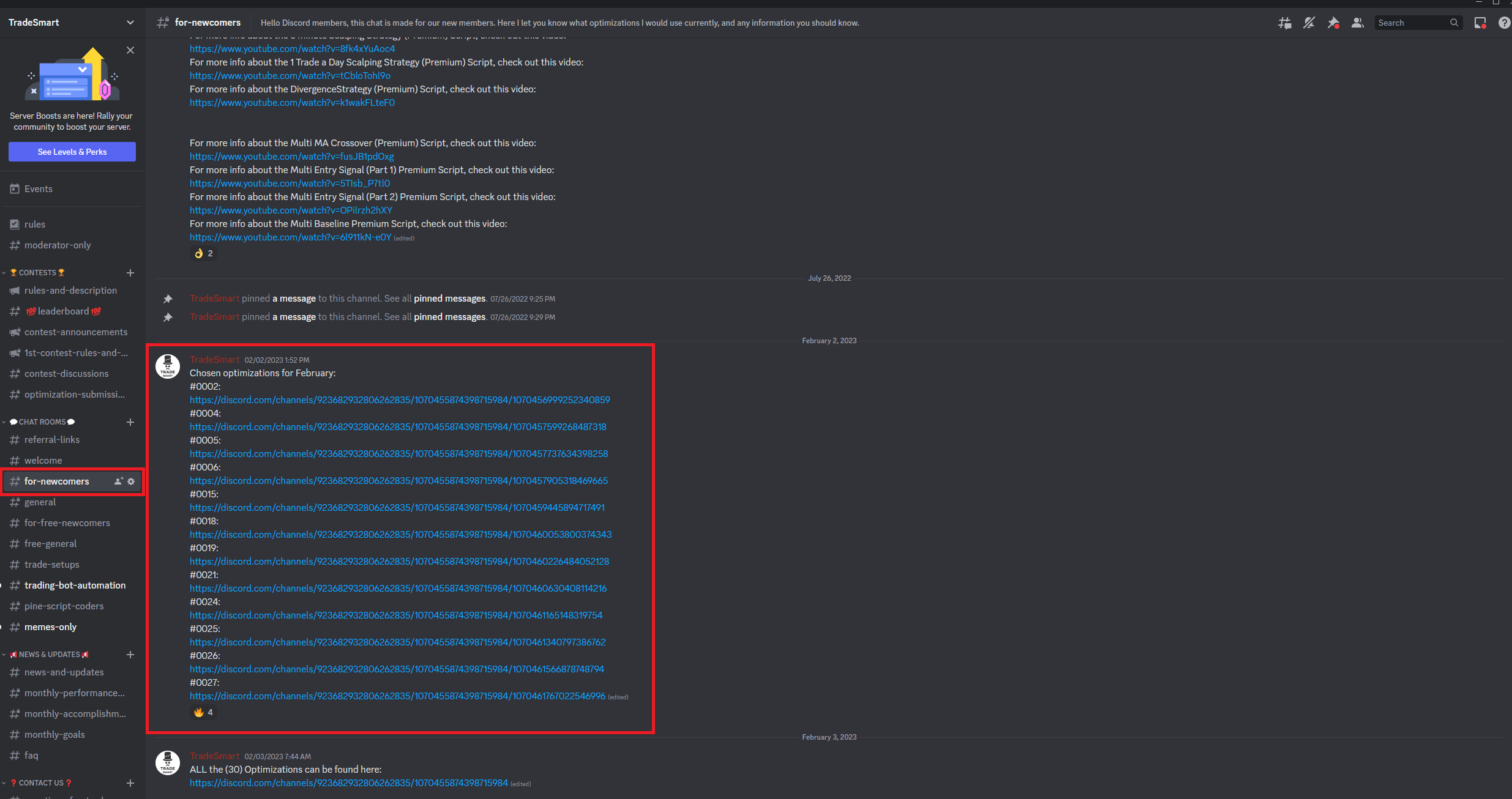
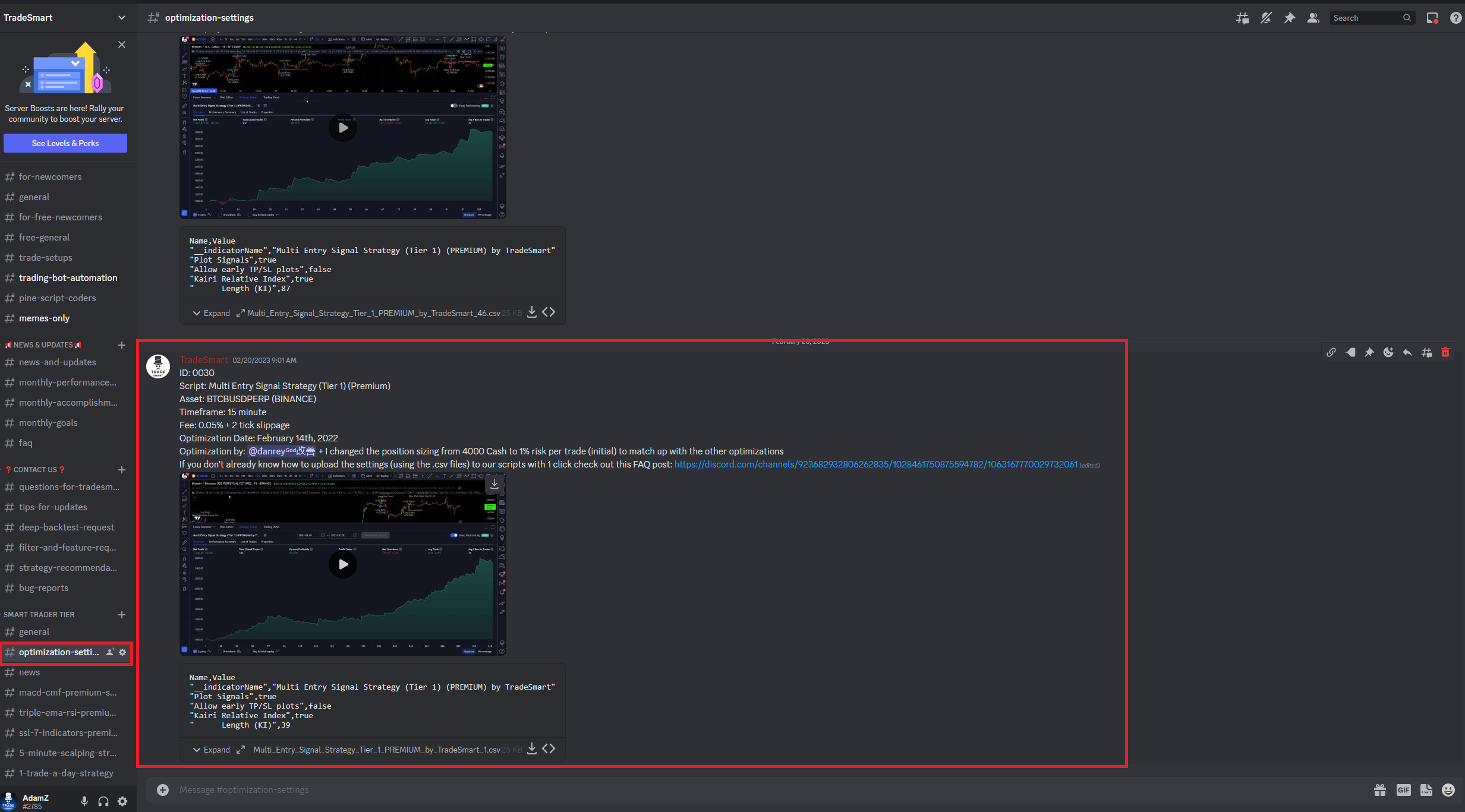
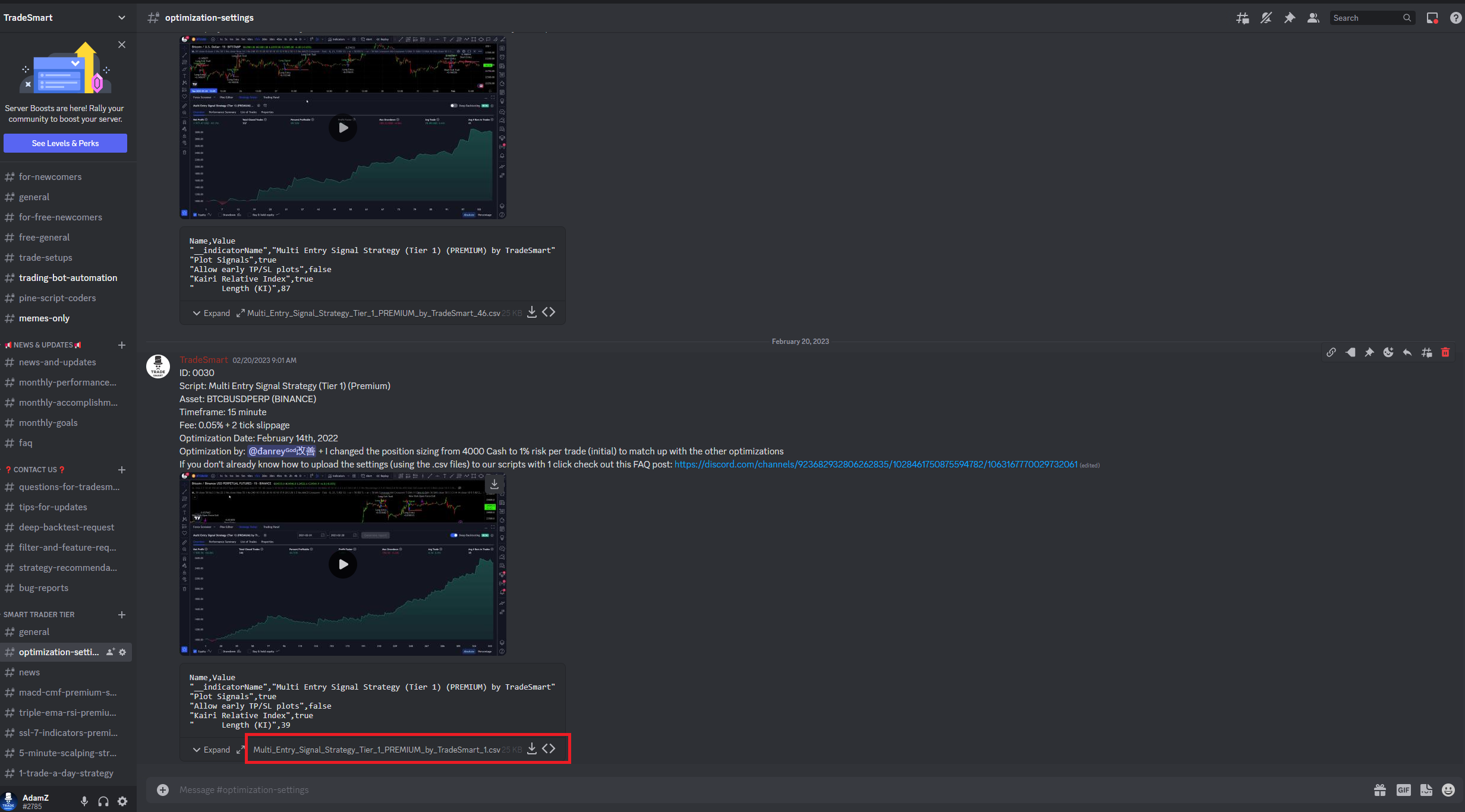
Where optimizations appeared in the Discord (setup screenshots)
The screenshots illustrate how to find optimization settings in the for-newcomers and optimization-settings Discord areas. Channel names and permissions can change. For the latest tracking, use the monthly performance link above.
These illustrations apply to the linked V1 tools; they are not instructions for Premium V2 automation.