
Add the strategy
- Open a TradingView chart using the account you provided for invite-only access.
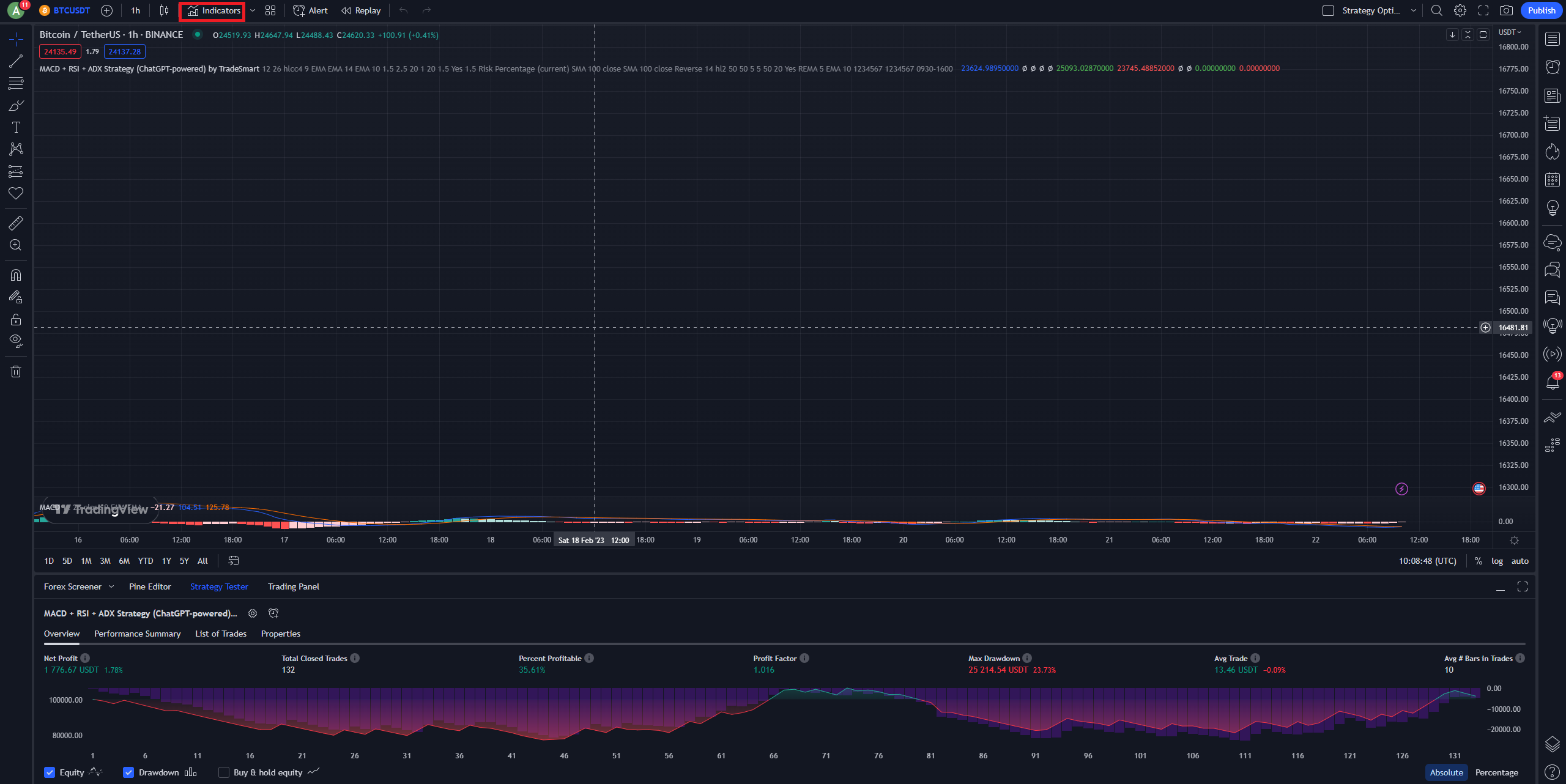
- Select Indicators from the TradingView chart toolbar.
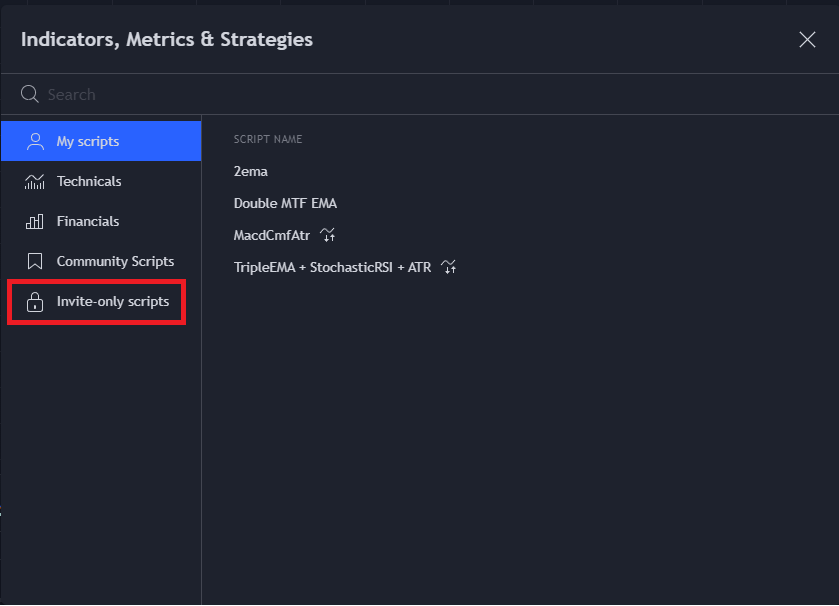
- Open the Invite-only scripts section.
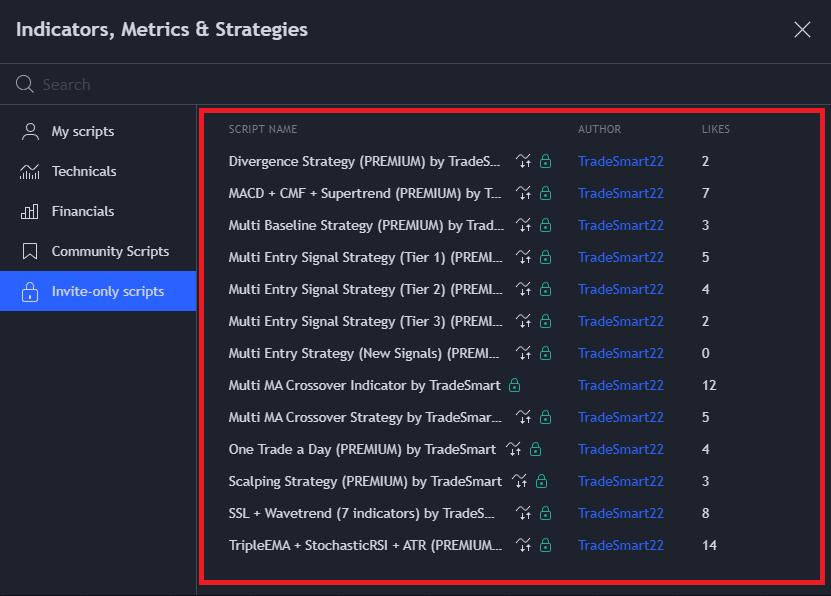
- Choose the TradeSmart Premium strategy you want to use. The script should appear on your chart.
- Open the strategy’s Settings using the gear next to its name on the chart.
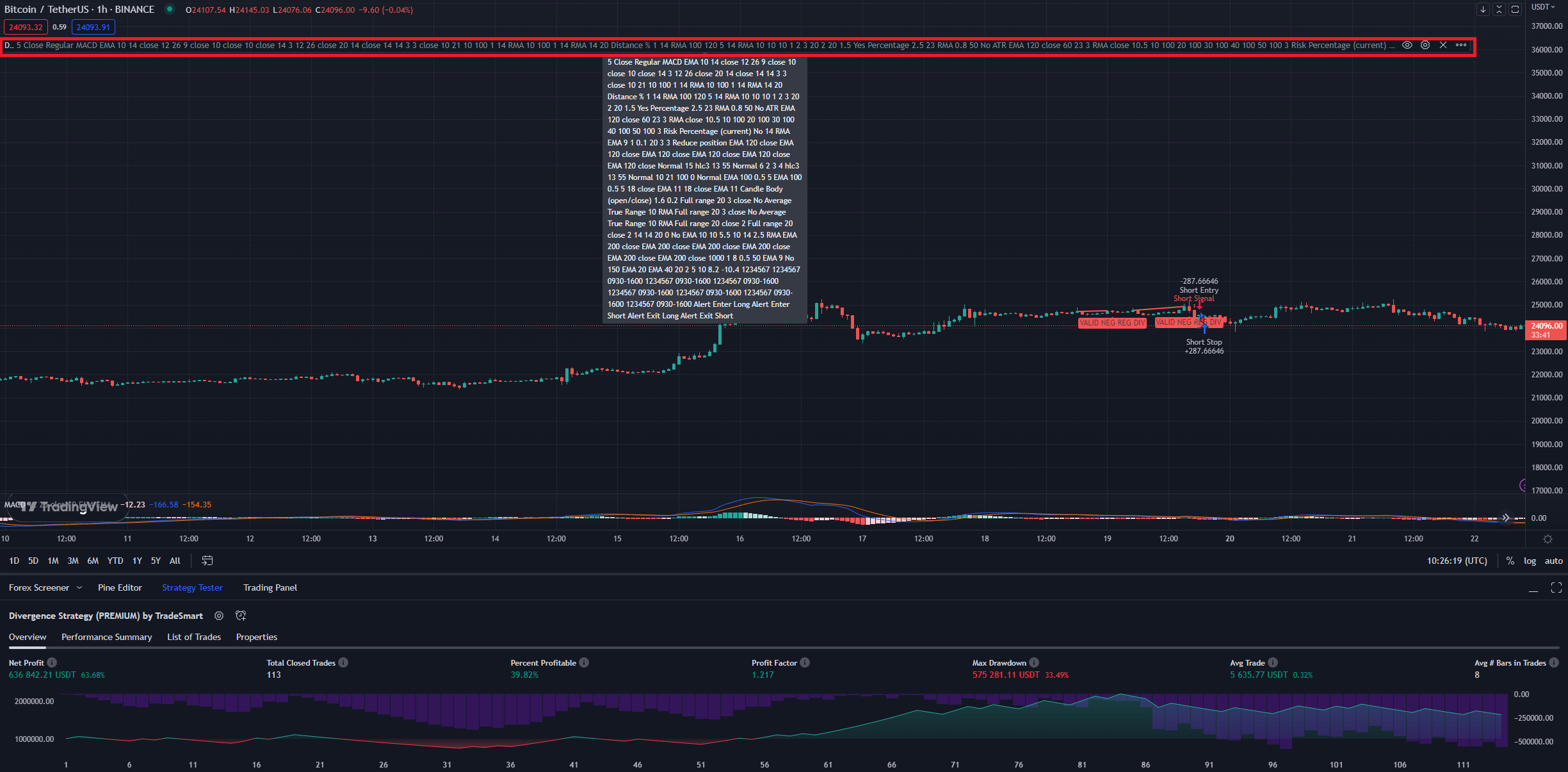
- Review Inputs and Properties. Select the correct instrument/timeframe and set capital, commission, slippage and risk to suit your account before interpreting results.
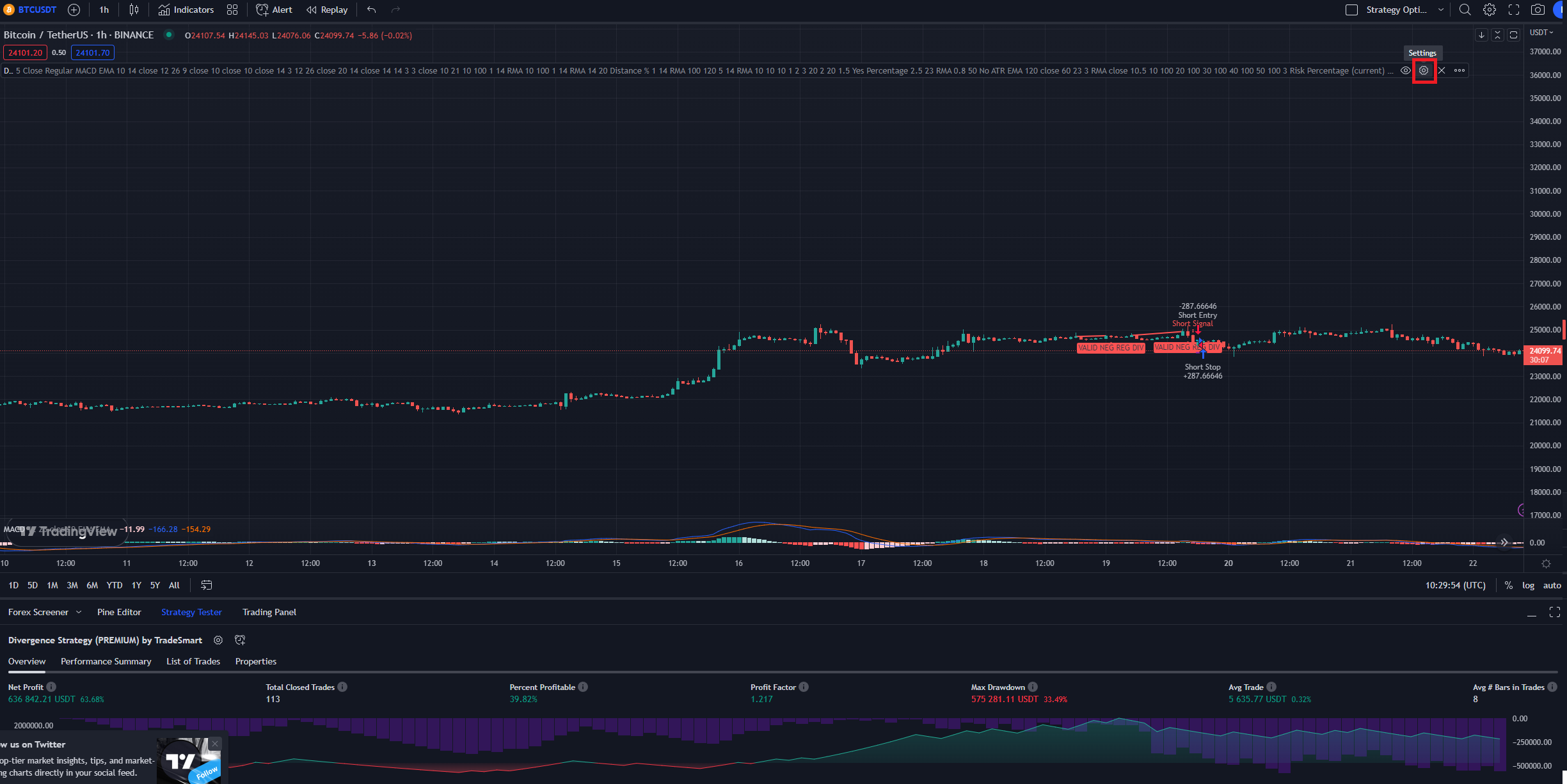
- Open Strategy Tester and review the historical trades and performance.
If a TradeSmart script is not in your invite-only list, verify your membership and TradingView username and follow the access guide.
What to do next
Use an available published optimization as a researched starting point, or change filters, risk settings and exits to design your own configuration. Always verify the inputs; copying another asset’s settings blindly may produce misleading results.