
OFFICIAL TRADESMART DOCUMENTATION
Learn. Configure. Validate. Automate.
Everything in one place: membership setup, V1 CSV import, V2 presets, clearly separated V1 and V2 automation guides, and 20 educational video lessons. Choose your script version before configuring alerts.
Browse by topic or search the guides below.
Getting started — membership & scripts
Getting Started with TradeSmart
Choose your TradeSmart learning path and find the official on-site guides.
Read guide →02Request Your Invite-Only TradingView Access
Where to send your TradingView username and what happens after you join.
Read guide →03Join the Private Smart Trader Discord
Connect your Patreon membership to Discord so you can speak with TradeSmart and other members.
Read guide →04Premium v1 & v2 — Script Tutorial Videos
Learn the TradeSmart Premium v1 and v2 strategy features before configuring or automating a strategy.
Read guide →05Add Your Premium Script to a TradingView Chart
Find your invite-only TradeSmart strategy and open its settings.
Read guide →06Choose an Optimization or Create Your Own
The difference between selecting a V2 preset and loading a legacy V1 configuration.
Read guide →07V1 — Import & Export Strategy Settings (CSV)
Use TradingView Assistant to export or import V1 strategy inputs as CSV; always verify Strategy Properties separately.
Read guide →08TradingTools Input Optimizer — V1 Workflow
Set up the TradingTools parameter optimization workflow for compatible scripts.
Read guide →09Check TradingView Strategy Settings
Understand which script inputs and Strategy Properties must be reviewed before backtesting.
Read guide →10Use the Monthly Performance Summary
Review ongoing optimization tracking before selecting an existing setup.
Read guide →11Premium Membership & Strategy FAQ
Answers to frequent questions about backtest differences, costs, strategy access and automation.
Read guide →Premium V2 — automation guides
V2 Automation: Start Here
Choose the correct TradingView automation route and configure your V2 strategy safely.
Read guide →02V2 TradingView Alerts & Webhooks
Exact TradingView order-fill alert setup and message rules for V2 Premium strategies.
Read guide →033Commas, WunderTrading & Provider-Native Bots
Connect a provider-generated bot message to TradeSmart V2 TradingView strategy alerts.
Read guide →043Commas Strategy Signal Bot — Step-by-Step TradeSmart V2 Setup
Exact workflow for TradingView strategy order-fill alerts, provider-generated messages, and controlled demo testing.
Read guide →05WunderTrading Signal Bot — Step-by-Step TradeSmart V2 Setup
Exact workflow for TradingView strategy order-fill alerts, provider-generated messages, and controlled demo testing.
Read guide →06PineConnector + MetaTrader Automation
Set up the V2 verified PineConnector adapter, broker symbols, volume and partial exits.
Read guide →07TradersPost Automation
Set up the V2 verified TradersPost adapter and validate the entire signal-to-broker route.
Read guide →08Custom Webhooks & Alert Templates
Configure TradeSmart V2 custom event templates and webhook receivers safely.
Read guide →09Quantity, Stops, Partial Exits & Advanced Orders
Validate quantity mapping, exits, DCA, reversals, ORB and Wickless order behavior.
Read guide →10Automation Testing, Safety & Troubleshooting
First demo-trade test protocol, emergency shutdown and common execution problems.
Read guide →Premium V1 — classic automation & ATR GOD
Premium V1 Automation — Choose Your Provider
Connect classic TradeSmart V1 scripts and ATR GOD through supported third-party tools; learn which setup guide to follow.
Read guide →02V1 Automation — Connect Third-Party Tools
How V1 strategy entry/exit messages can be routed through a supported third-party execution service.
Read guide →03V1 Automation — Pionex
Pionex bot connection walkthrough for TradeSmart V1 strategy signals.
Read guide →04V1 Automation — 3Commas
Connect V1 strategy order messages through the classic 3Commas workflow.
Read guide →05V1 Automation — WunderTrading
A step-by-step WunderTrading connection for TradeSmart V1 scripts.
Read guide →06V1 Automation — PineConnector
Choose the V1 PineConnector setup for Premium scripts or ATR GOD.
Read guide →07V1 Premium Scripts — PineConnector Setup
Connect a V1 Premium script to MetaTrader using PineConnector alerts.
Read guide →08ATR GOD — PineConnector Setup
Connect the TradeSmart ATR GOD strategy with PineConnector and MetaTrader.
Read guide →Understand the research. Trade with a process.
Hand-picked educational videos from our YouTube channels, organized by the skills they teach. These are learning resources — not evidence of live profitability.
Backtest fundamentals
Read backtests critically, from profit factor to drawdown and risk/reward.
 25 min
Top 10 backtest metrics
Learn how to interpret profit factor, drawdown, risk-adjusted returns and other statistics beyond net profit.
Watch lesson ↗ 10 min
Avoid 5 common trading mistakes
Five recurring mistakes in strategy evaluation and trading, with practical ways to identify them.
Watch lesson ↗ 16 min
Why a 90% win rate can still be risky
A high-win-rate USDJPY backtest illustrates how an unfavorable risk/reward ratio changes the picture.
Watch lesson ↗ 9 min
How to spot misleading backtests
A historical strategy retest followed by a discussion on checking exaggerated backtesting claims.
Watch lesson ↗ 8 min
What realistic bot results can look like
A look at several previously released optimizations and their historical results after publication.
Watch lesson ↗Optimization & validation
Out-of-sample testing, robustness, realistic assumptions and capital allocation.
 16 min
Do optimized strategies survive new data?
Revisits more than 50 AI-generated strategies using later unseen market data to examine overfitting and survival.
Watch lesson ↗ 24 min
After-release performance and overfitting
Compares AI strategy results before and after optimization and explains what later performance can reveal.
Watch lesson ↗ 16 min
Cross-market testing: 20 strategies, 105 assets
Explores how optimized strategies behave on other instruments and periods rather than just their original market.
Watch lesson ↗ 11 min
How position sizing changes the backtest
Uses one ETH strategy to demonstrate the impact of sizing choices on compounding, net profit and drawdown.
Watch lesson ↗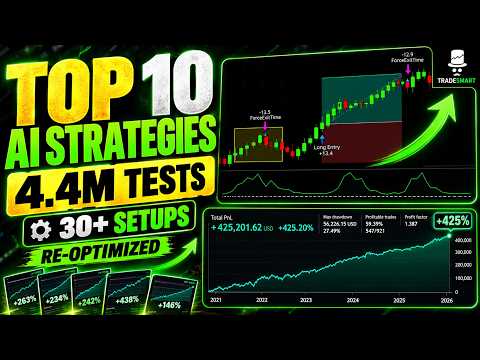 32 min
Inside a multi-million-test optimization project
Walks through a larger research workflow with train/test windows, robustness screening and holdout validation.
Watch lesson ↗Signals, filters & exits
Research the entry and exit components behind objective trading systems.
 19 min
Fixed stop losses compared
Compares fixed risk methods, including ATR-, percentage- and swing-based stops across backtests.
Watch lesson ↗ 25 min
Trailing versus fixed stop losses
Continues the stop-loss series by testing trailing stop methods against fixed protective stops.
Watch lesson ↗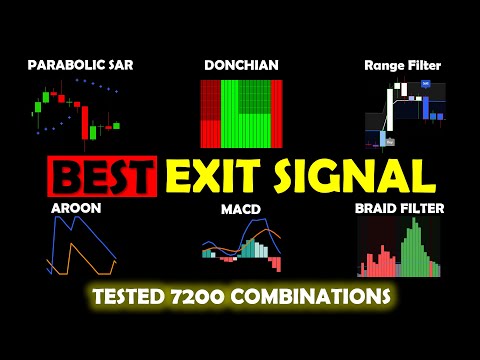 23 min
When should a strategy exit?
Compares multiple exit-signal indicators over assets and timeframes as part of the Best Strategy research series.
Watch lesson ↗ 21 min
Volume filters compared
Studies seven volume-based indicators through a large backtest comparison to understand their use as filters.
Watch lesson ↗ 13 min
Which assets suit a strategy?
Tests trend-following and mean-reversion ideas on different assets and timeframes to explore market selection.
Watch lesson ↗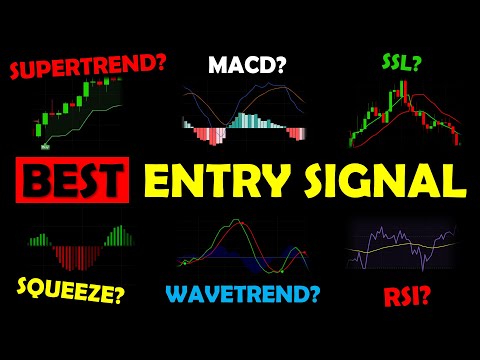 19 min
Choosing entry signal indicators
Compares multiple rule-based entry indicators using a broad backtesting experiment.
Watch lesson ↗Scripts, coding & automation
Build, configure and automate with dedicated tutorials and version warnings.
 83 min
Complete Premium V2 framework tutorial
An in-depth tour of V2 inputs: presets, filters, stops, take profits, DCA, position sizing and alerts.
Watch lesson ↗ 18 min
Create Pine strategies using ChatGPT
A beginner-friendly demonstration of generating Pine code, troubleshooting and iterating on a strategy idea.
Watch lesson ↗ 28 min
TradingView to MetaTrader with PineConnector
Shows an earlier TradingView-to-MetaTrader automation workflow; verify current provider instructions before use.
Watch lesson ↗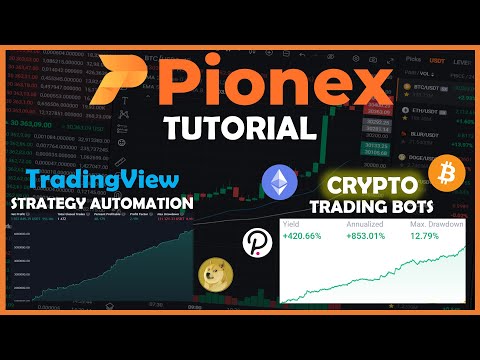 8 min
Pionex TradingView bot automation
Introduces a historical Pionex exchange/webhook automation workflow; check current Pionex controls.
Watch lesson ↗Follow a complete setup path
New to TradeSmart? The Getting Started checklist connects all member guides in the recommended order, from the TradingView invitation to choosing and testing a configuration.
Premium V1 and V2 use different automation workflows. Choose the version that matches your script; provider-specific instructions and position sizing must be verified before live use.
See full onboarding →